
Your playlists, on every screen.
PlaySim Pro is a fast, simple player for your own M3U and Xtream playlists. Install it on your TV, activate it once and keep watching.
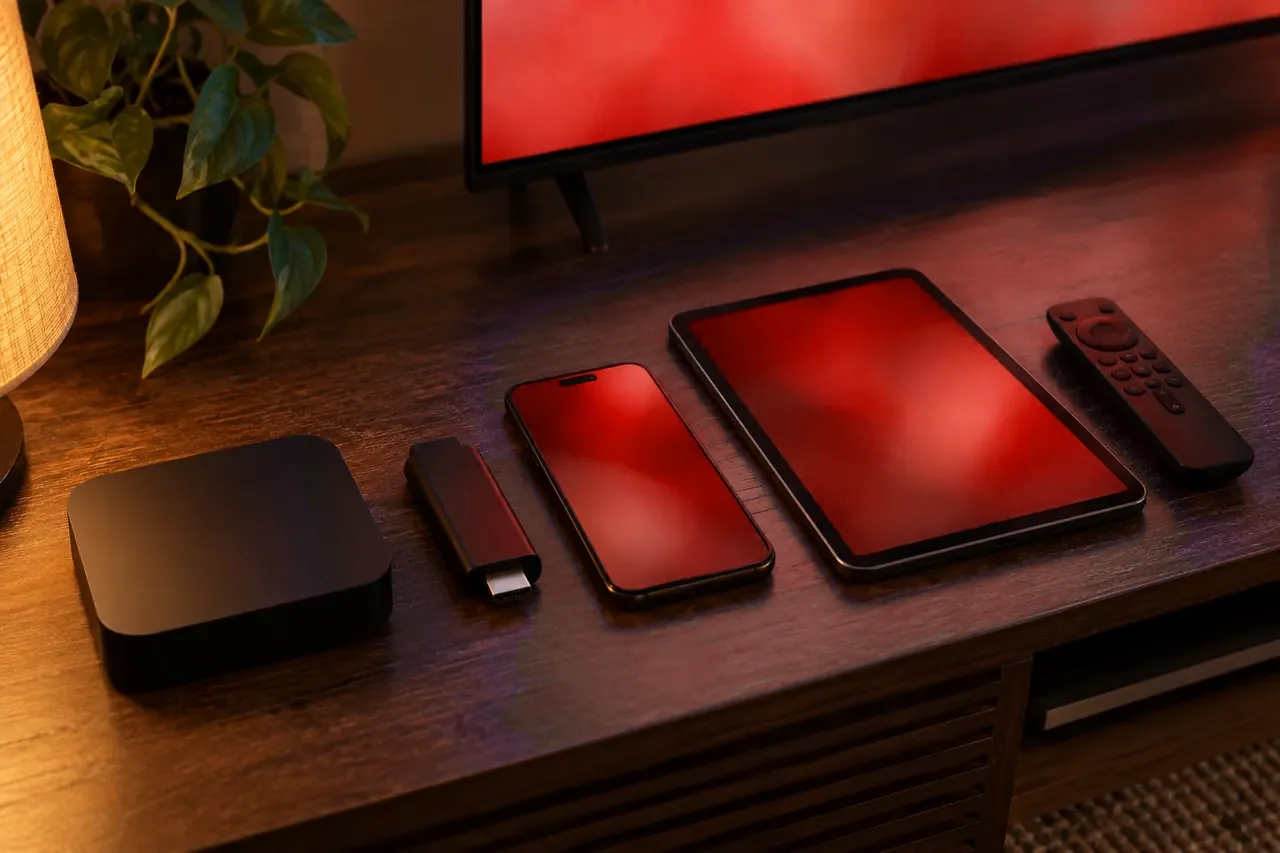
Works on
- Samsung Smart TV
- LG Smart TV
- Roku
- Android TV
- Fire TV
- TV boxes
- Android phones
- Tablets
Built for the remote control
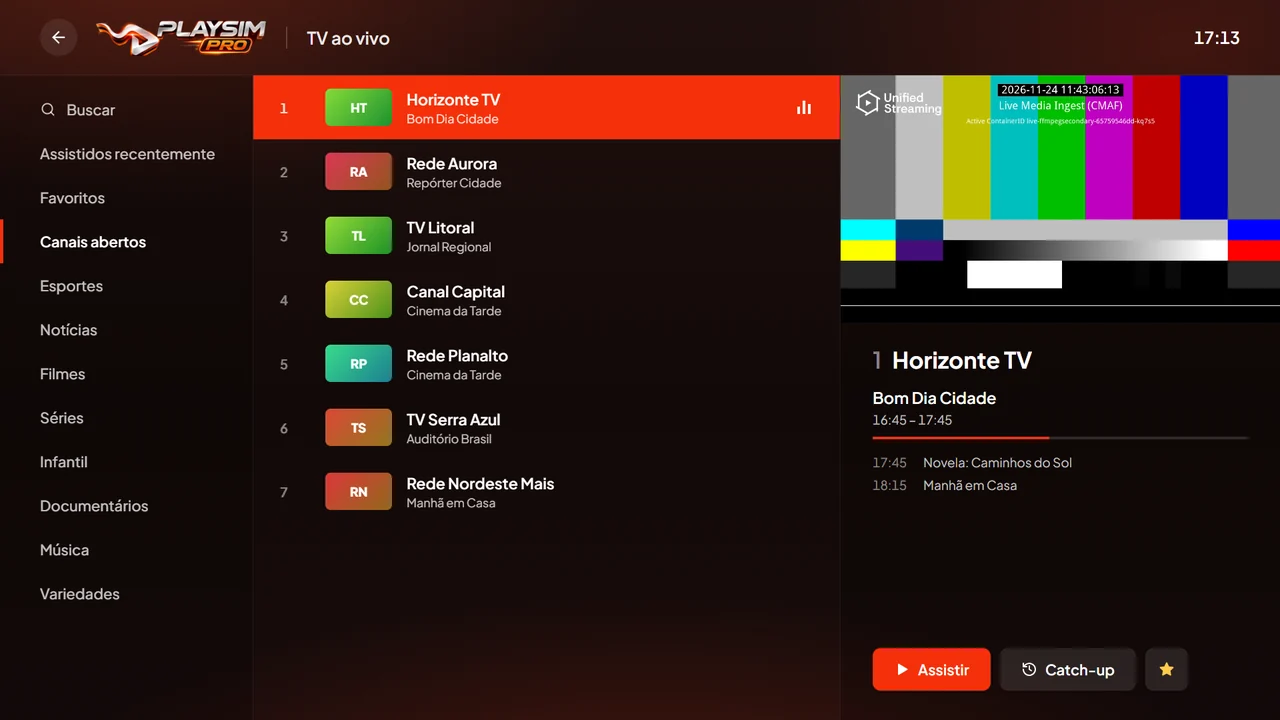

Fast guide
Channels and programme guide open in a moment, even with large lists.

Parental PIN
Lock categories and settings behind a PIN.

Manage from the web
Add playlists and renew from your phone, the TV updates by itself.
Your lists only
No content is included. Add your provider's M3U or Xtream login.
Several playlists
Keep more than one list and switch in two clicks.
Private by design
Passwords are encrypted and only sent to your device.
Activate in three steps
Install
Download the app on your TV and open it once.

Find your code
The Account screen shows the device MAC and key.
Activate
Enter them here, choose a plan and pay with PIX.
Questions
Where do I find the MAC and the device key?
Open the app and go to Account. The MAC (like AA:BB:CC:DD:EE:FF) and the 6-digit key are shown there.
Does the app include channels?
No. PlaySim Pro is a player. You add the playlist you get from your provider.
Is there a free trial?
Yes, every new device gets a short trial when the app is opened for the first time.
How do I pay?
With PIX: scan the QR code or copy the code in your bank app. The device activates as soon as the payment arrives.
How do I add my playlist?
In the customer portal, open Playlists and add your M3U link or Xtream login. The TV loads it within a few minutes.

Already installed?
Activate with the MAC and key from the Account screen.